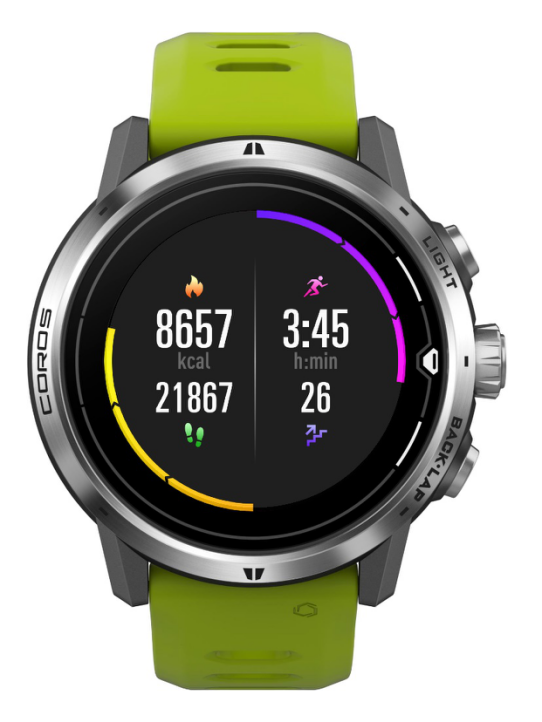
You can easily access widgets from the main watch face by scrolling up and down. Press the CONFIRM button on certain widget pages for additional information.
NOTE: You can’t open the main menu from widget pages. Return to the main watch face first.
This widget displays the following info.
- Active energy (calories).
- A progress bar will start at the bottom and gradually reach the top if the daily goal for active energy is reached.
- Change the daily goal on the Profile page of the COROS app.
- Step counter.
- Exercise time.
- A progress bar will start at the top and gradually reach the bottom if the daily goal for exercise time is reached.
- Change the daily goal on the Profile page of the COROS app.
- Floors climbed.